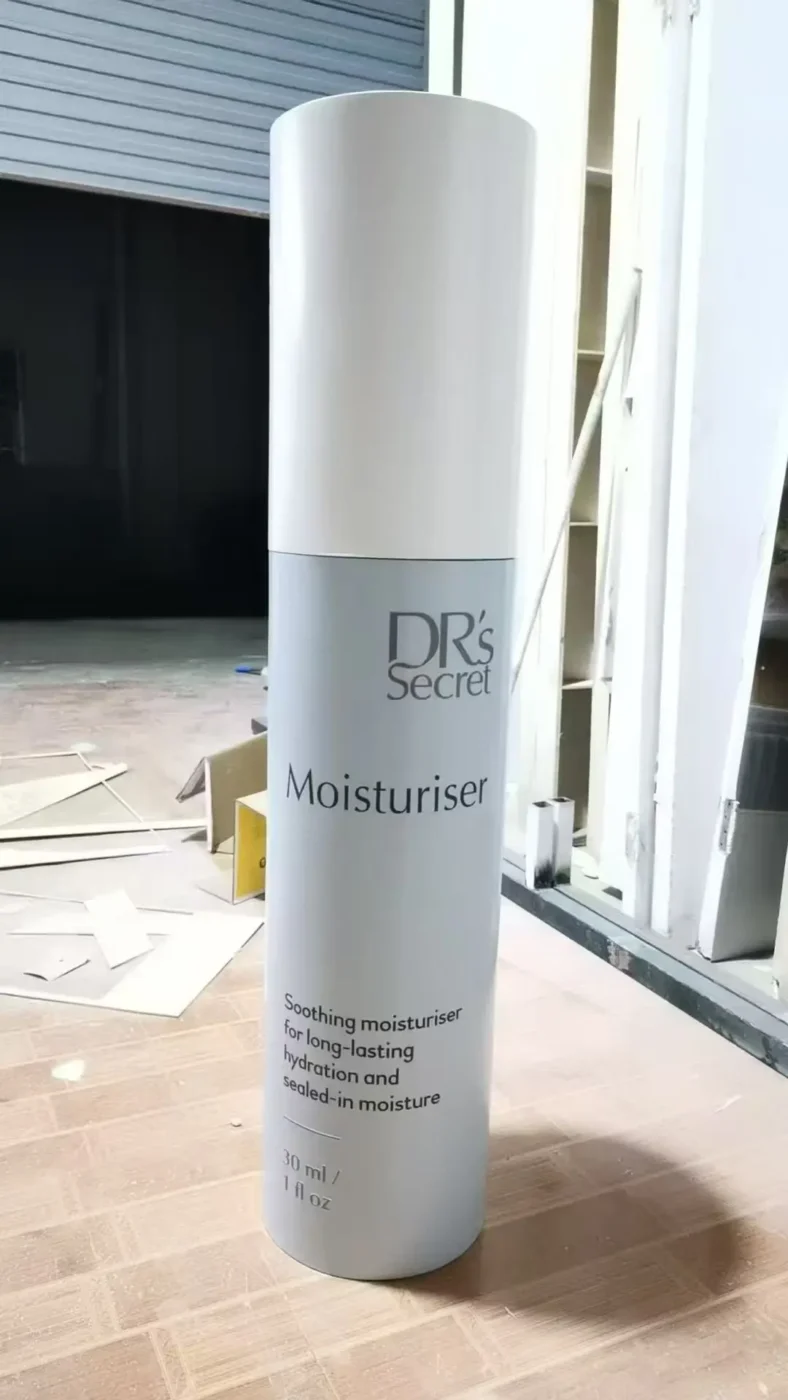

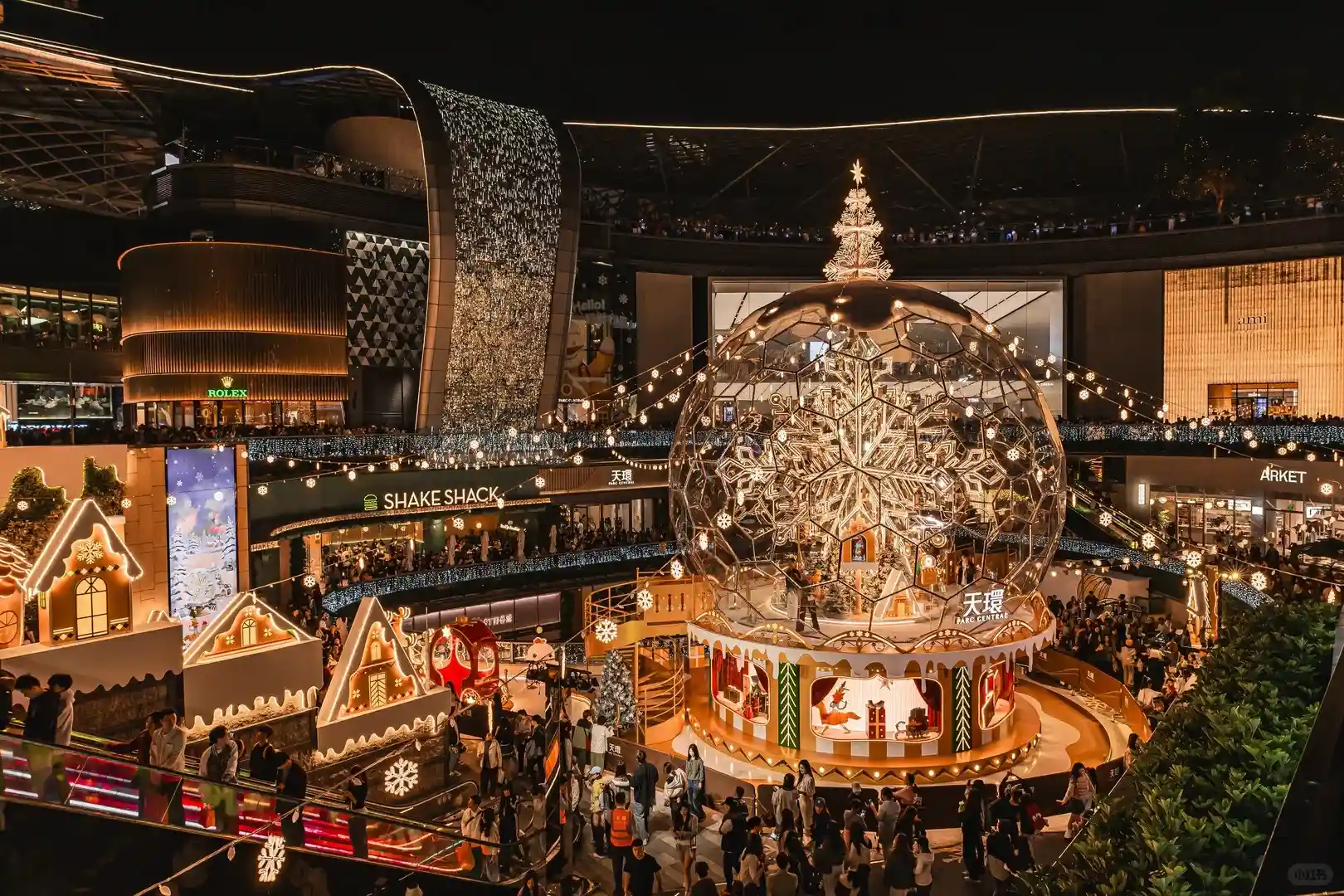
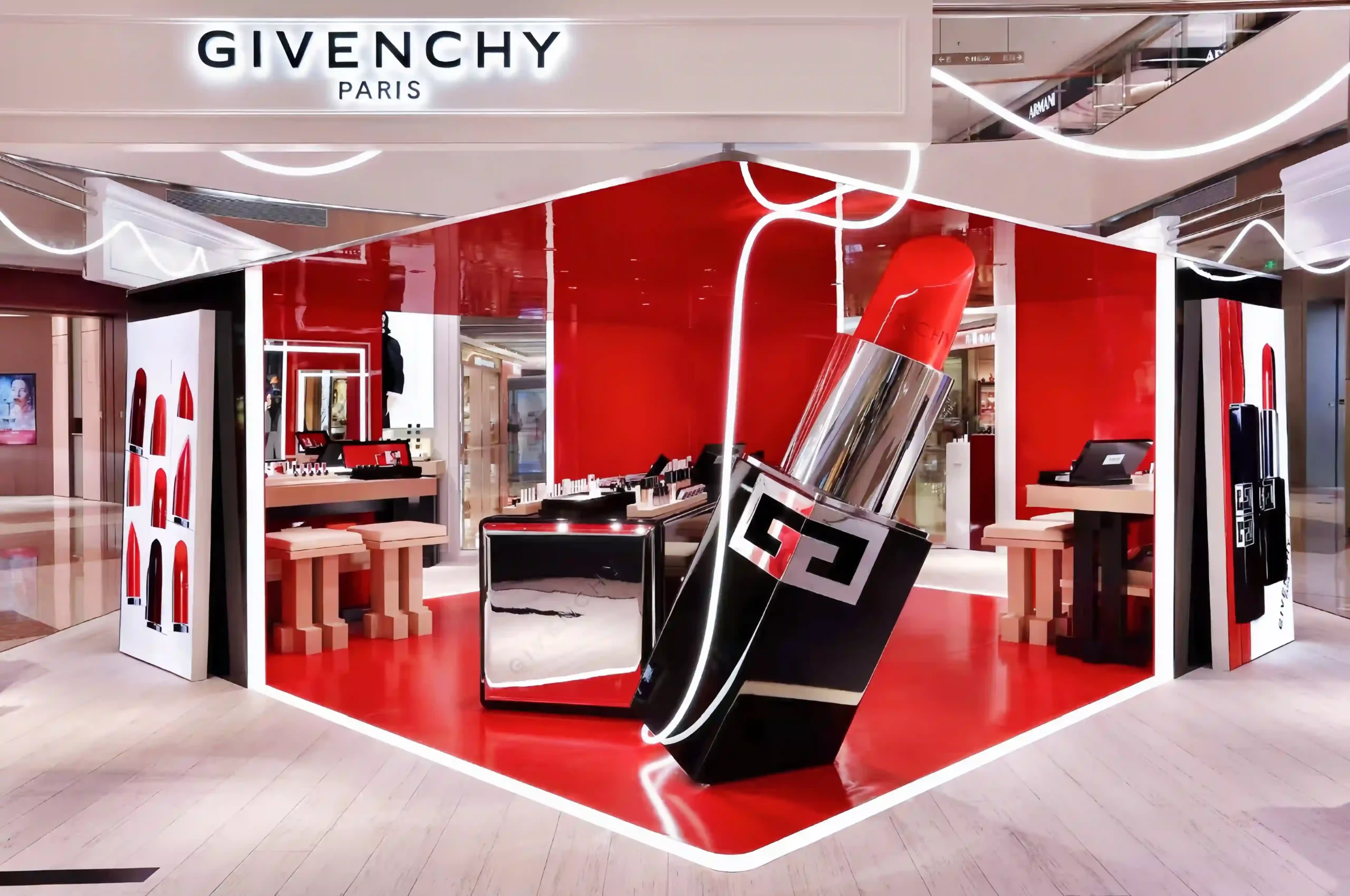
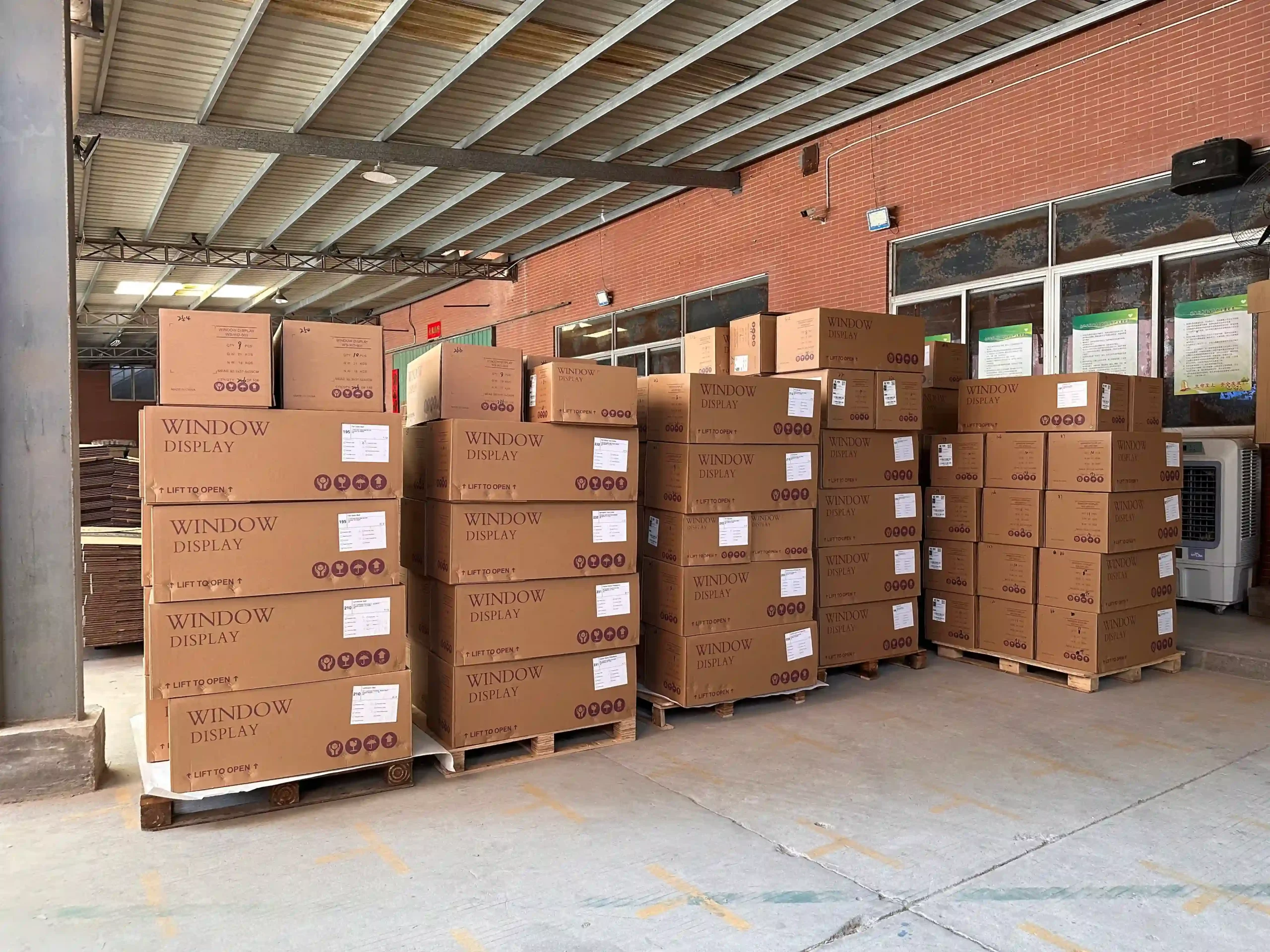
In short: A window display rollout is the production, packing, delivery and installation of one campaign across many stores. It stays consistent when the hero elements are standardized, store-specific parts are planned by store type, every store set is inspected and labeled as a complete kit, and freight is planned before production ends.
A flagship window can be finished by hand. A designer stands at the glass, an installer trims a bracket, and the lighting is adjusted until it looks right.
A rollout has none of that. Forty, eighty or three hundred windows have to read as the same campaign. They are built by local teams who have never met the factory, often overnight, against a launch date that does not move.
That is why a rollout is not one prop multiplied by the store count. It is a production system: store data, drawings, an approved reference sample, controlled batch production, set-level inspection, store-by-store packing, freight and installation guidance. When one part is weak, the windows drift apart, however good the first sample looked.
This guide follows that system from the store list to the installed window, drawing on the multi-store programs we produce at our Xiamen production base.
Why a Rollout Is Not a Bigger Single-Store Order
Stores share a campaign. They rarely share a window.
Width, depth, ceiling height, existing platforms, hanging points, power supply, access routes, mall rules and installation teams all vary. A freestanding sculpture that frames the flagship may block product in a compact boutique. A three-metre backdrop may not fit the service lift of a mall unit. A suspended element designed for one ceiling may have no approved fixing point in the next store.
The working principle is simple: standardize what the customer sees, adapt what the installer needs.
Start With a Store Matrix
Before technical development begins, the whole store network should sit in one source of truth. We call it the store matrix.
| Field | What to record |
|---|---|
| Store ID | Store code, name, city and country |
| Store type | Flagship, standard, compact or concession |
| Window format | Open back, closed back, corner, island or entrance |
| Dimensions | Width, height, depth and base height, in one unit |
| Access | Door, lift and loading dock limits |
| Fixing | Floor, wall and ceiling permissions, including load limits |
| Power | Voltage, plug type and outlet position |
| Allocation | Quantity of each component for this store |
| Delivery | Warehouse, regional hub or direct store address |
| Dates | In-store deadline and installation date |
Measurements should arrive on one template, in one unit, with one photo angle. Otherwise one store sends millimetres, another sends centimetres and a third sends an unscaled phone picture.
The matrix should also make gaps visible. A blank ceiling-load field is not an administrative detail when the concept includes hanging props. It is a design decision that has not been made yet.
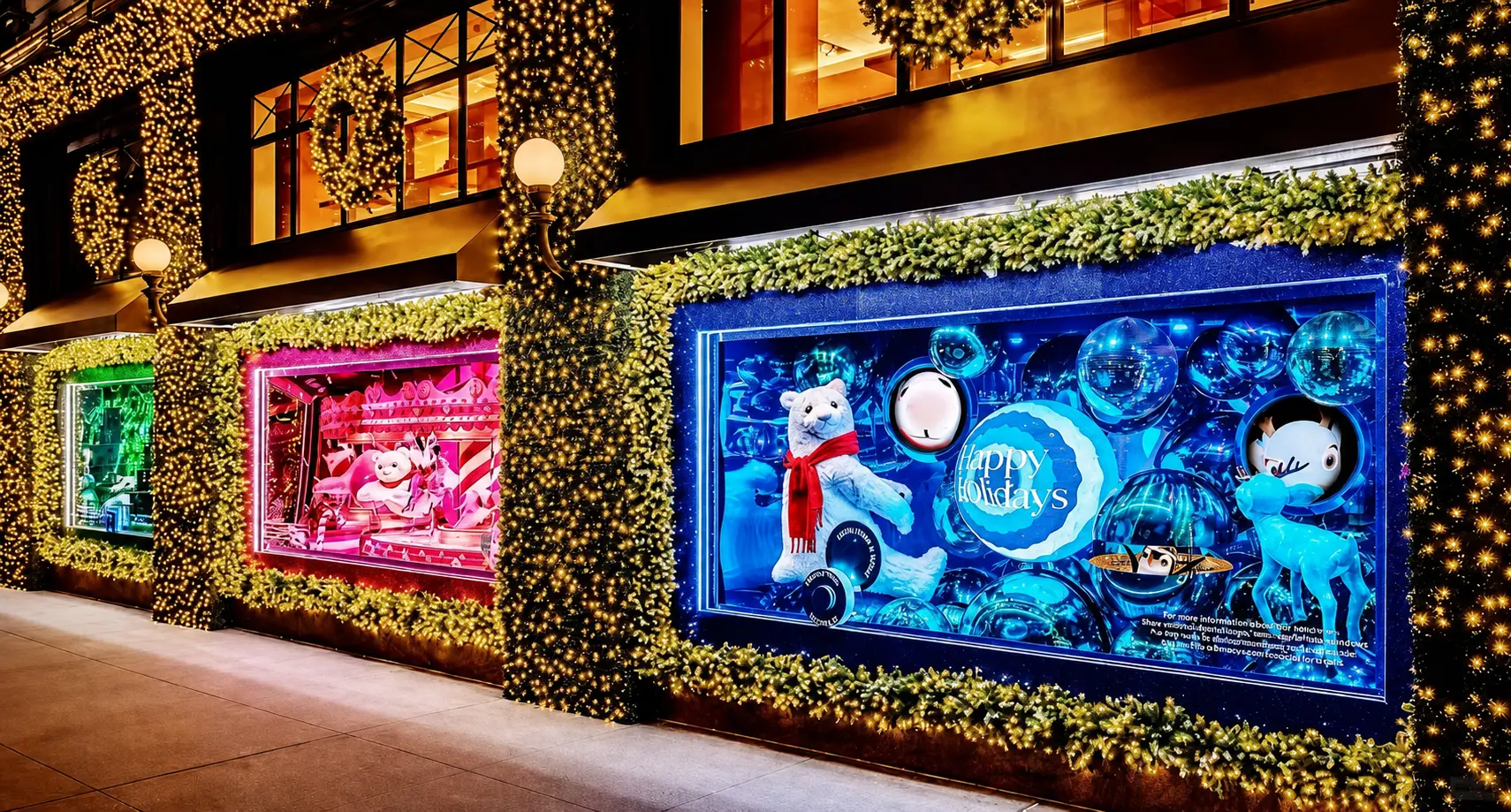
Quantities are rarely uniform either. On a North American fashion retailer’s holiday program we are shipping this season, flagship doors were allocated two to four times the standard set, and one hero element was split into a standard and a tall version depending on window height. Both decisions lived in the matrix before a single carton was planned.
Group Stores Into Repeatable Types
Designing every store individually multiplies cost, engineering and installation risk. A more scalable approach is to group the network into a small number of store types, each with its own bill of materials and layout.
That creates two layers of components:
- Core components carry the visual identity and stay identical across the rollout: hero sculptures, logo elements, product replicas.
- Adaptive components absorb local differences: adjustable bases, backdrop widths, extension panels, hanging kits, cable lengths and optional secondary props.
A 60-store campaign might be structured like this:
| Store type | Stores | Configuration |
|---|---|---|
| Type A: flagship | 10 | Hero sculpture, full backdrop, illuminated logo, six supporting props |
| Type B: standard | 30 | Same hero sculpture, narrow backdrop, illuminated logo, four supporting props |
| Type C: compact | 20 | Same campaign symbol, modular logo panel, two supporting props, no backdrop |
Scaling a sculpture down to 70% rarely solves a smaller window. Wall thickness, balance and the relationship to the product all change. More often, the right adaptation is the same hero with fewer pieces around it.
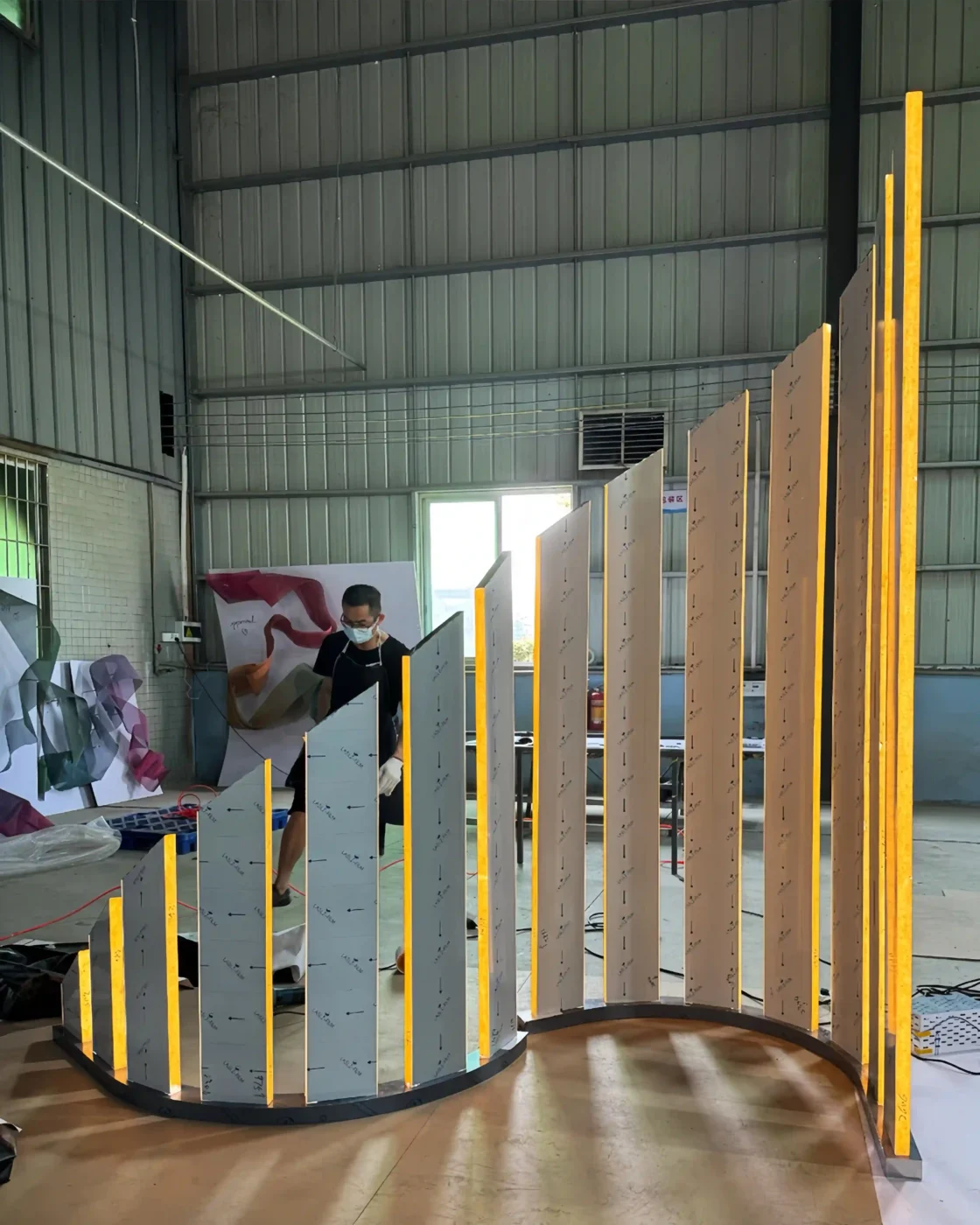
Our Michael Kors mirrored stainless steel display fixtures followed this logic. The mirror-polished material and finish stayed identical across every destination, while fixture dimensions were drawn individually for each window and atrium space.
Approve a Golden Sample That Locks the Specification
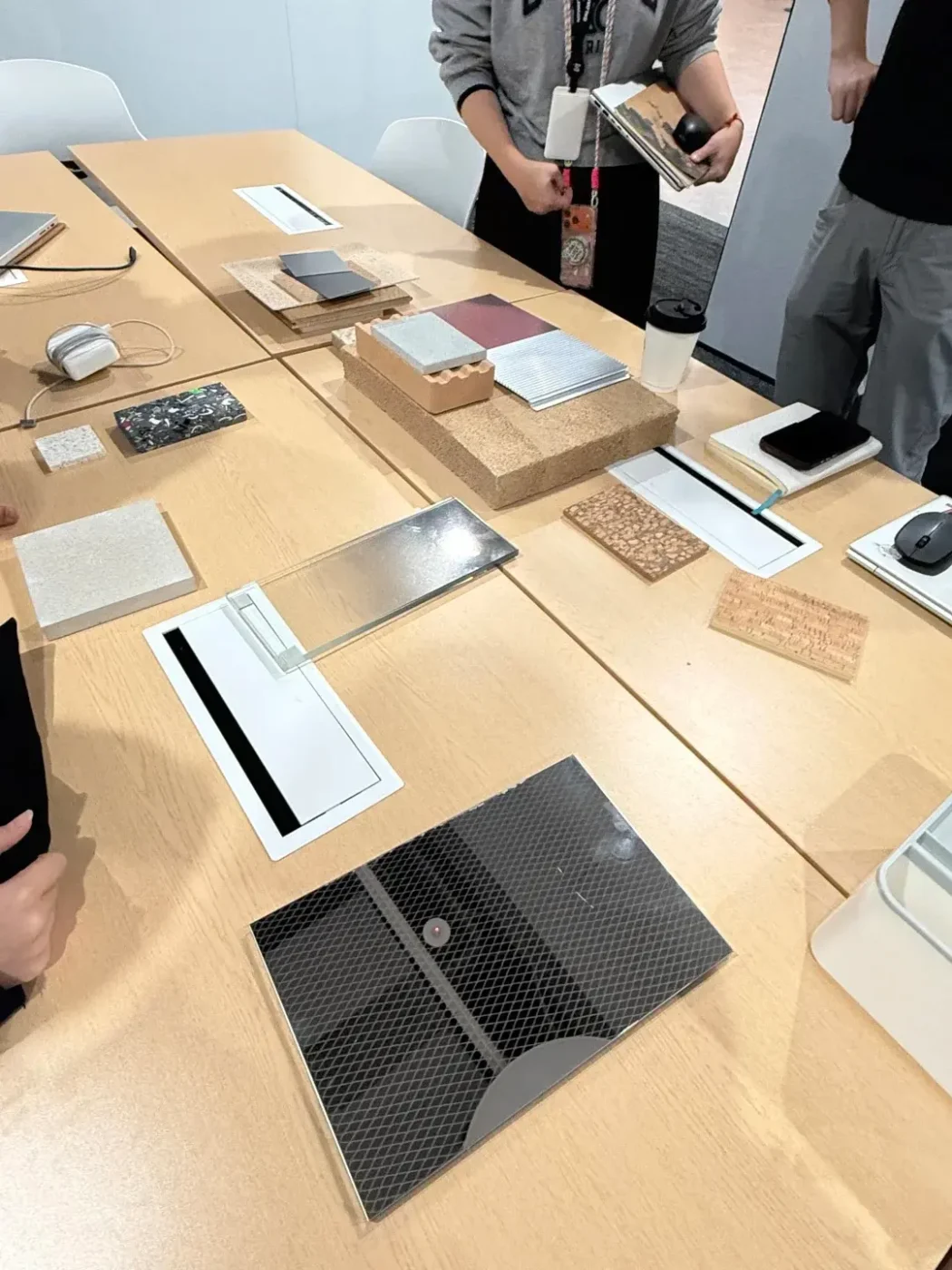
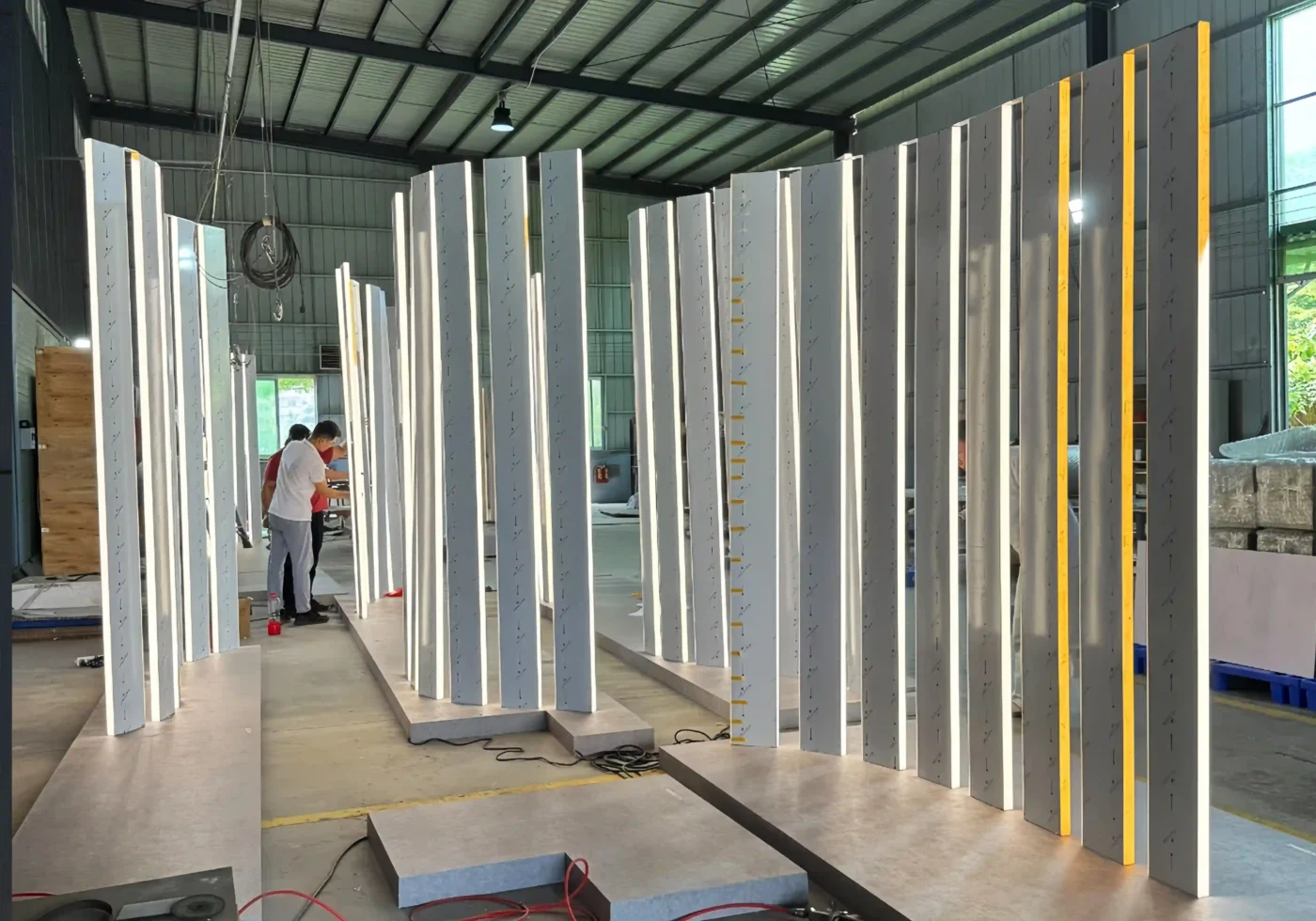
A golden sample is the approved physical reference that controls the entire batch. It should lock more than appearance: dimensions, material, internal structure, color, gloss level, texture, logo size and position, lighting color temperature, hardware, assembly method and packing approach.
Without it, quality becomes a matter of opinion. One supervisor accepts a warmer gold, another a slightly different gloss. By unit forty, the display may still resemble the rendering but no longer matches unit one.
For programs with several store types, approve one complete sample of the main configuration, finish panels for every shared color, and a controlled drawing for each variant. The golden sample stays at the factory until final inspection is complete. The sampling stage sits inside the wider store window display production lifecycle, from concept to installed storefront.
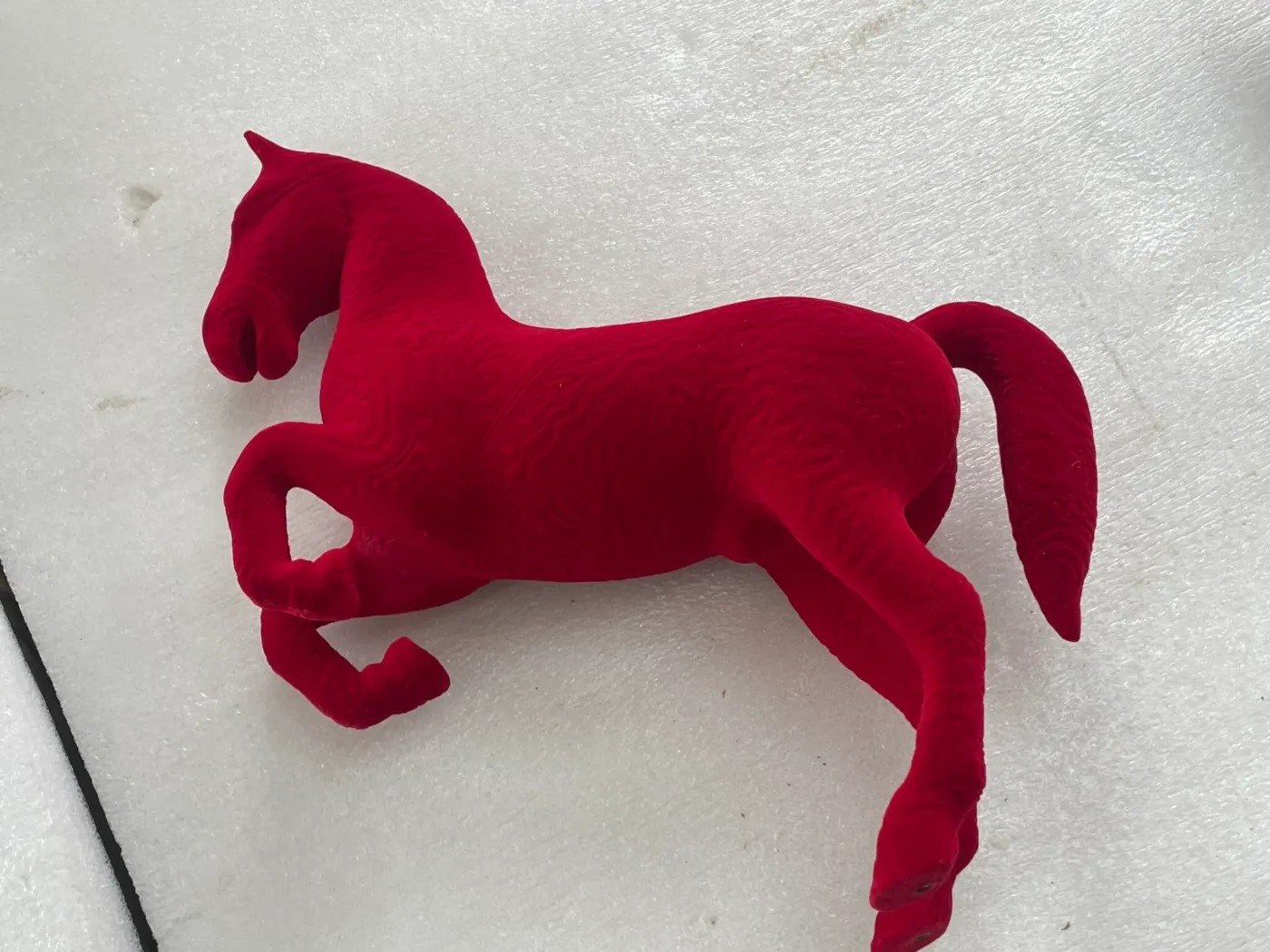
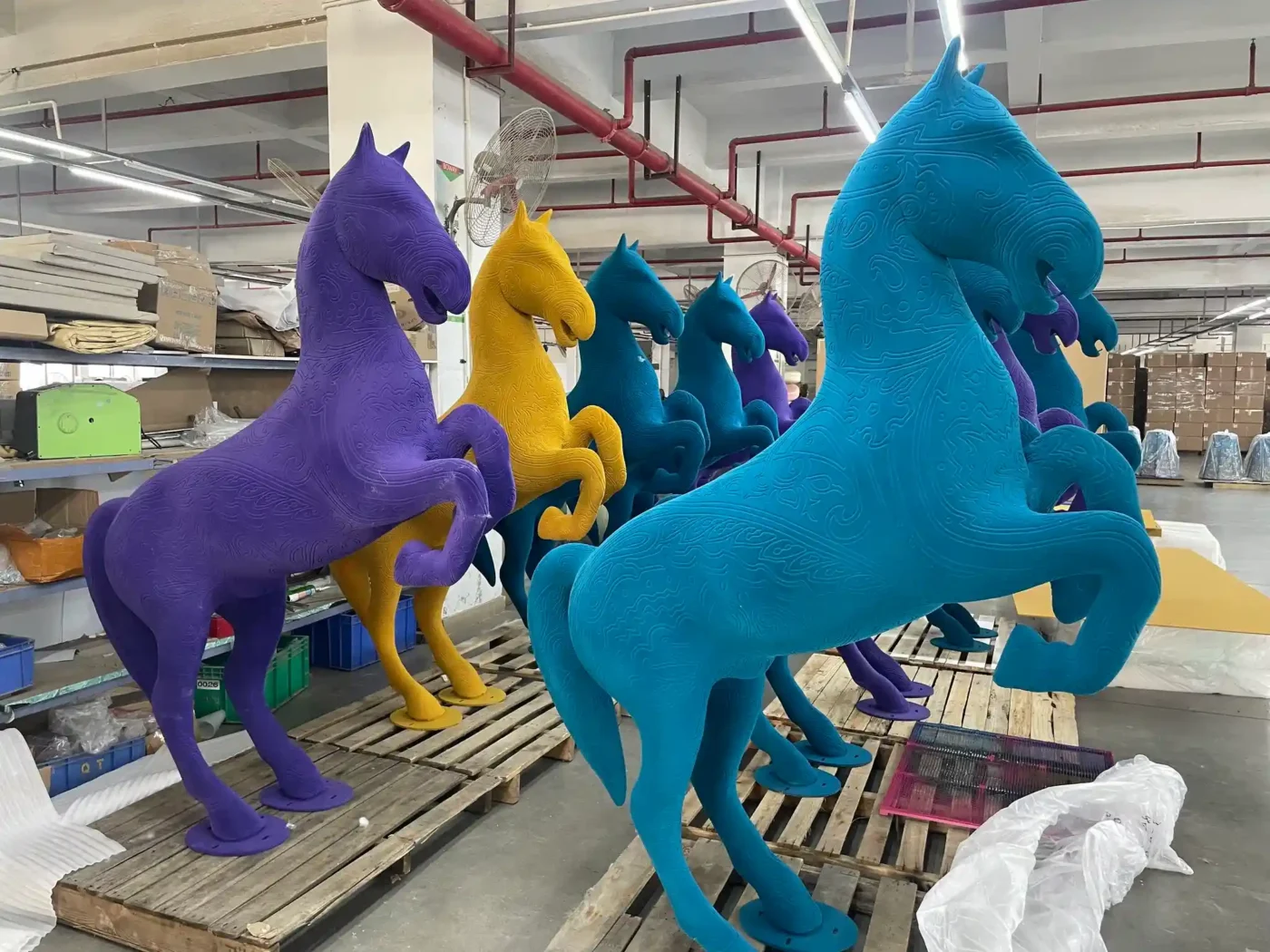
Mixed materials need a decision at this stage. Champagne gold on fiberglass, stainless steel and acrylic will not read as one color simply because every supplier uses the same name. The brand should decide whether the goal is an exact match, a deliberate tonal variation or one dominant finish with secondary accents. Where possible, each visible color should come from a single paint batch, with reference panels retained for comparison under consistent light.
Move Repeatability Out of Memory and Into the Process
A flagship prop can be built once by a skilled craftsperson. A rollout prop has to be built eighty times without relying on anyone remembering how the first one was made.
That means controlling dimensions with tools rather than judgment. A drilling jig sets the hole spacing on every steel base. Duplicate moulds are made when the quantity exceeds what one FRP mould can produce reliably. Every acrylic panel runs from the same CNC file.
It also means giving every part a code that appears on drawings, QC sheets, cartons and installation guides:
| Code | Component |
|---|---|
| A01 | Main FRP sculpture |
| A02 | Steel base |
| A03 | Acrylic logo |
| A04 | LED driver |
| H01 | Fixing kit |
| S01 | Spare parts kit |
When an installer reports that H01 is missing from store US-E-047, the replacement can be identified immediately. When they report that “the bracket is missing,” the conversation starts from zero.
Material choice changes at scale too. FRP becomes more economical once mould cost is spread across a batch, acrylic needs more protective packing, and metal adds freight weight to every store set. Our guide to choosing materials for display props compares these routes, and our breakdown of what drives window display production cost explains how quantity and tooling move the unit price.
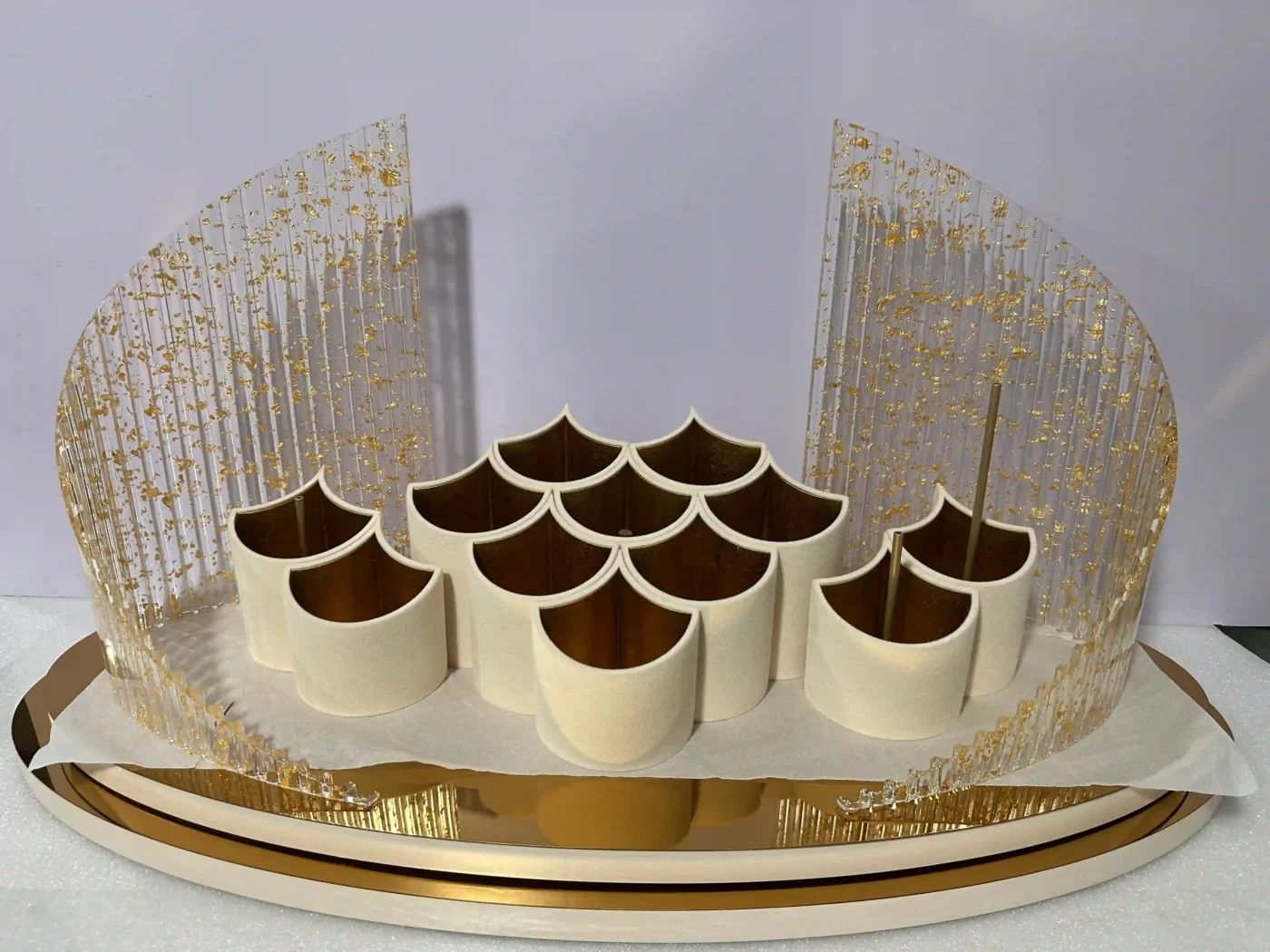
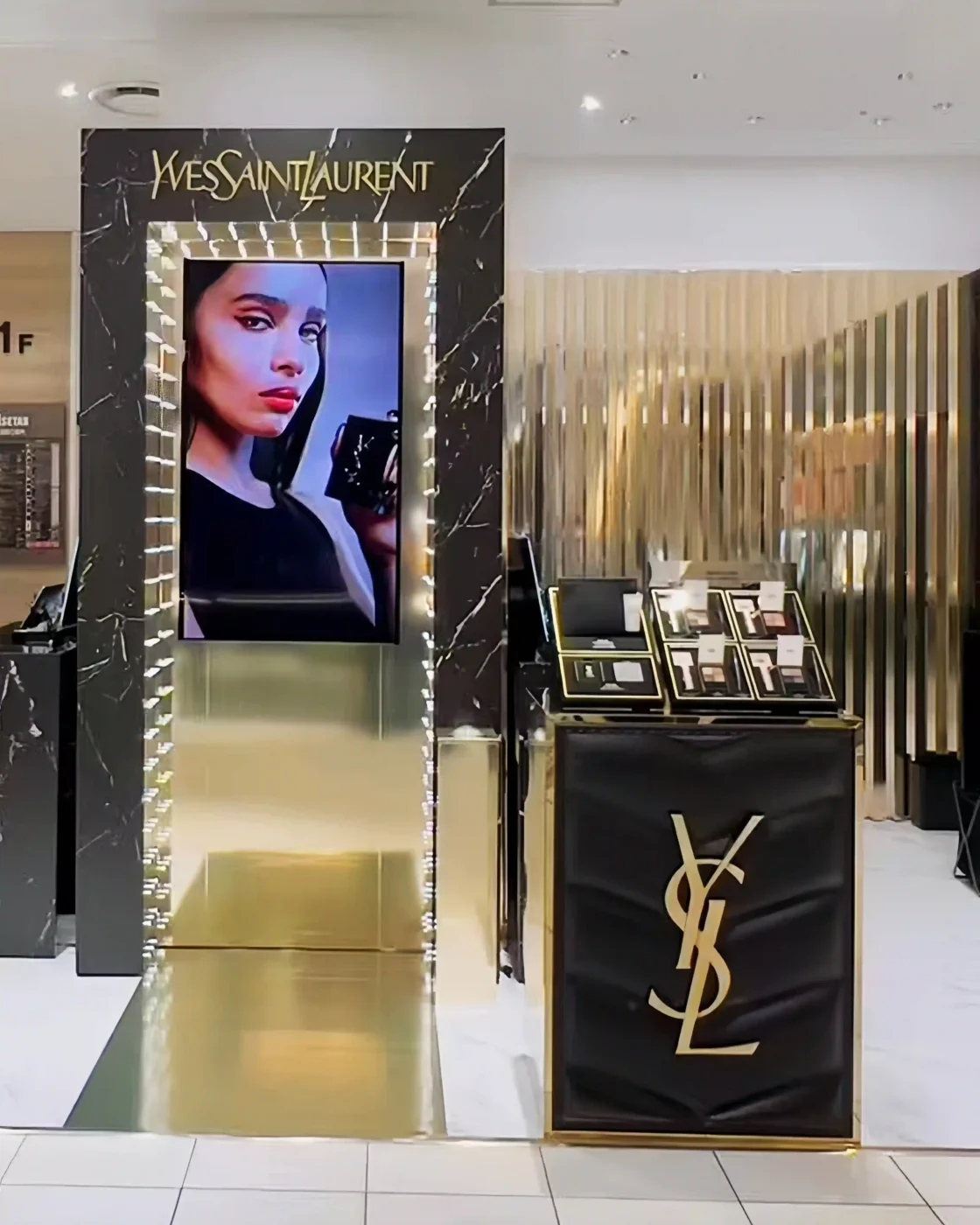
Modular construction helps here. On the YSL lipstick launch display, acrylic, mirrored and product-replica parts were made in separate processes and inspected before final integration, so the most fragile elements could travel with their own protection and replacement plan.



Inspect Store Sets, Not Just Parts
Two inspections matter most in a rollout.
First-article inspection. The first finished production unit is compared against the golden sample before the rest of the batch is released. A repeated fault caught at unit one costs a correction. Caught at unit sixty, it costs a remake.
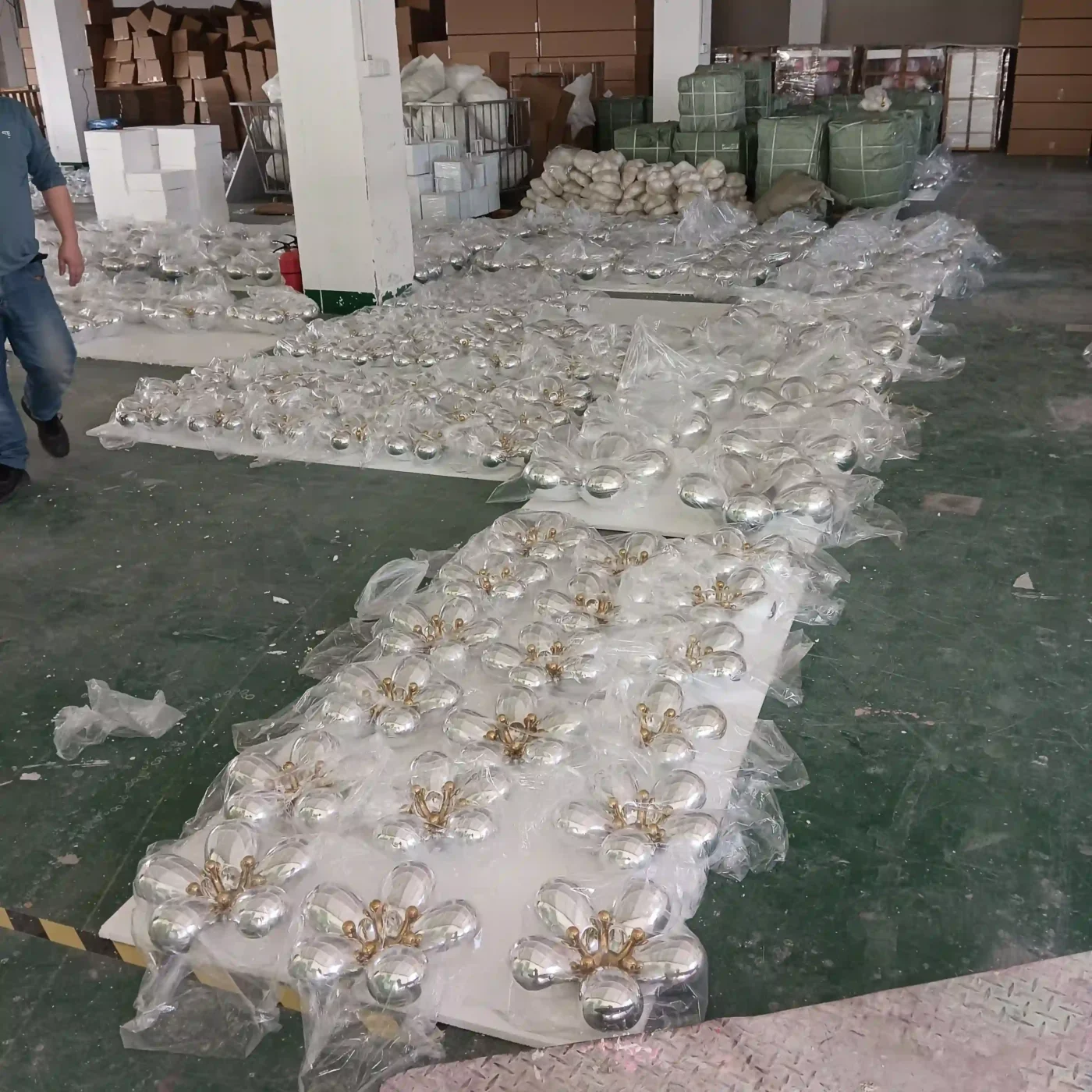
Complete-set inspection. Each store’s kit is counted and checked against its own packing list: correct configuration, component quantities, matching finishes, compatible hardware, electrical parts, spares, installation guide and carton labels. Two hundred correct brackets do not prove that every store received six.
Between the two, in-line checks on dimensions, color and fit continue throughout the batch. Final inspection alone is too late; it only confirms that an earlier process was wrong.
VM Display operates under ISO 9001 certified quality management and holds Sedex certification. ISO’s overview of the ISO 9000 quality management family is useful context when comparing how suppliers control repeat production.
Pack and Label Every Carton for Its Store
Packing depends on the route. A central warehouse can receive master cartons that are split later. A direct-to-store program needs complete kits that nobody opens or reorganizes in transit.
Protection should follow the material: surface film and edge guards for acrylic, non-abrasive wrapping for mirror-polished metal, shaped supports for painted sculptures, and heavy bases kept apart from delicate decorative pieces. The International Safe Transit Association’s test procedures show how shock, vibration and compression are simulated for different distribution routes, a useful reference even when formal lab testing is not required.
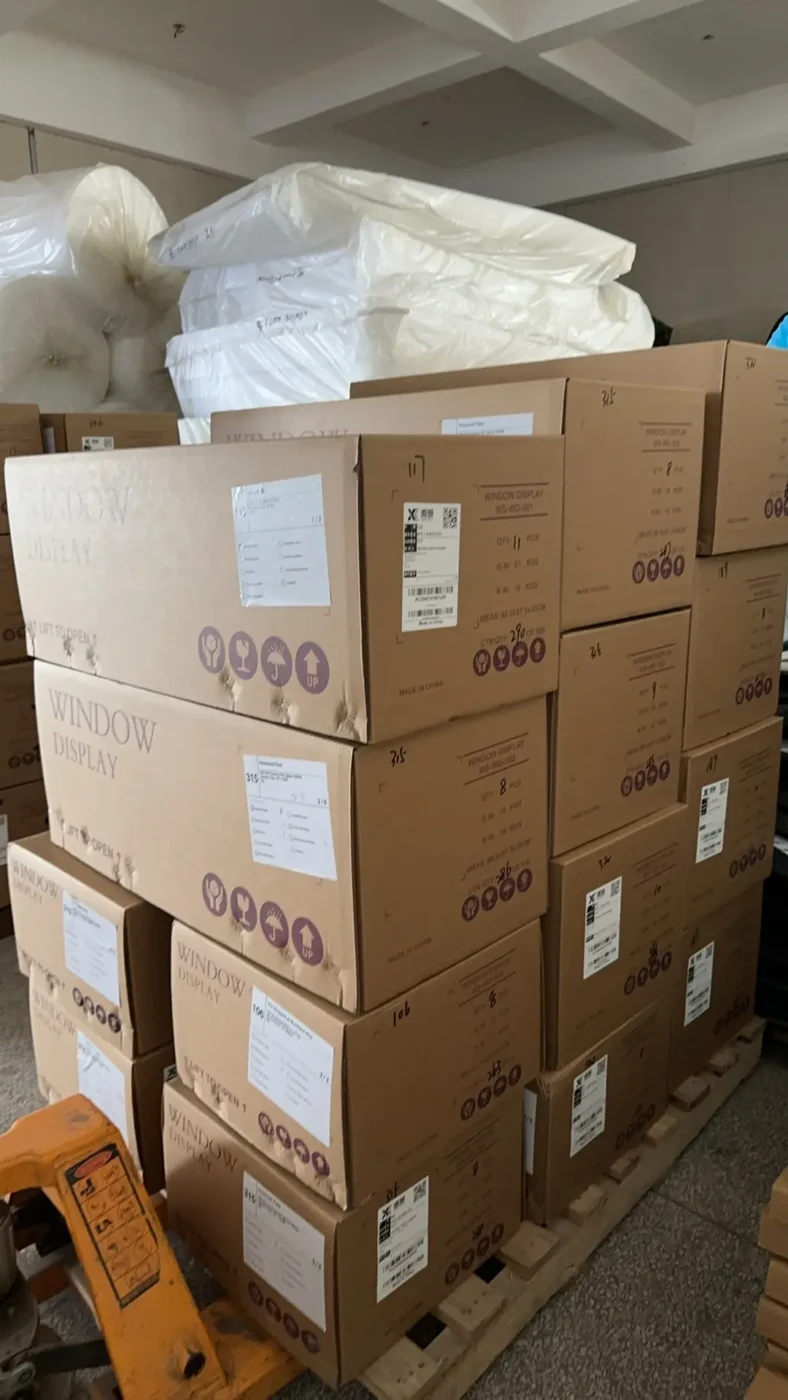
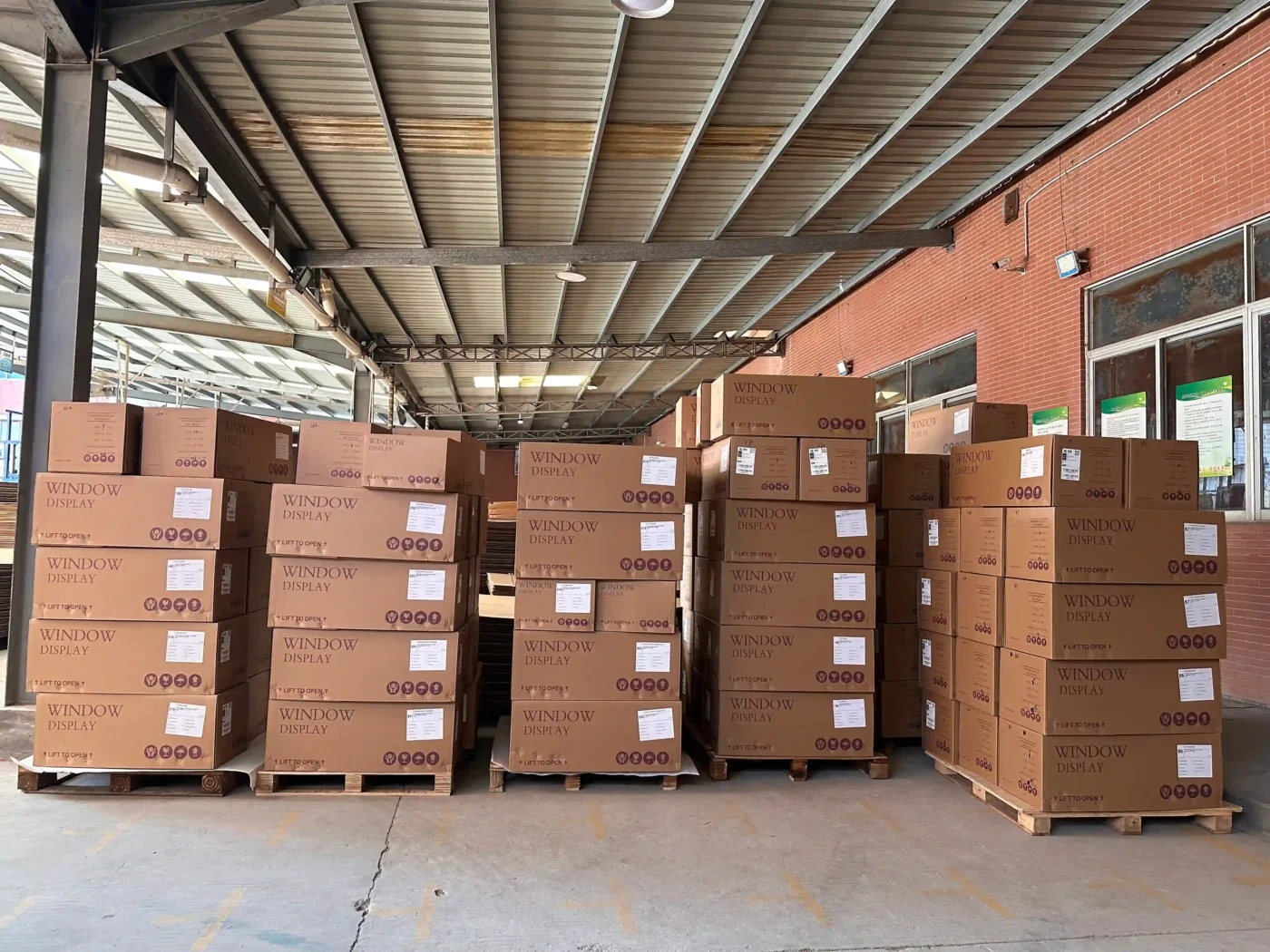
The route can also change the carton itself. On this season’s North American program, wooden crates were replaced with two honeycomb cartons per store. For delivery to hundreds of individual addresses through a parcel network, a lighter, standardized carton handled better than timber.
A carton label should help the next person make the right decision:
STORE: US-E-047 / TYPE B / CARTON 2 OF 2
CONTENTS: A01, A03, H01
is more useful than:
WINDOW PROPS - BOX 14For larger distribution networks, brands may require GS1 Serial Shipping Container Codes. The label structure should be agreed with the brand’s logistics team before cartons are printed.
At scale, packing becomes a tracking problem. For the same holiday program, we built a shared online packing system that follows 356 stores, 788 cartons and 6,816 individual items across six delivery regions, from Canada to Puerto Rico. Each store is checked off item by item as it is packed, and our project leads verify progress from any device rather than from a spreadsheet passed between desks.
Ship the Rollout: DDP, Regional Batches and Final-Mile Delivery
Freight should be decided before production ends, not after.
The delivery term sets who controls transport, customs and final delivery. EXW leaves collection to the buyer’s forwarder; DAP brings goods to a named destination without import duties; DDP extends the seller’s responsibility through import clearance and duties. The International Chamber of Commerce’s Incoterms 2020 rules define each one, and the named place must always be written into the agreement. “DDP” on its own is incomplete.
For most North American and European rollouts, we ship sea freight on DDP terms. We handle export, customs clearance and import duties, and goods are delivered to the named addresses. The brand works with one landed cost per store instead of a chain of freight, brokerage and duty invoices. Sea freight to Europe and North America takes around 40 to 50 days; air freight for bulky goods takes around 8 to 12 days.
Large programs rarely ship in a single wave. Sequencing by region lets the earliest deadlines move first. On our current holiday program, Canada and the US East Coast shipped first, the Central and West regions followed, and Hawaii and Puerto Rico went by air, with duty arrangements confirmed separately for those destinations.
For direct-to-store delivery, confirm the final metre as well as the final mile: appointment booking, lift-gate vehicles, inside delivery, mall loading windows, packaging removal and proof of delivery. “Delivered to the store” can mean the loading dock or the stockroom. On installation night, the difference matters.
Write Installation Guides for People Who Never Met the Factory
The people installing the display have usually never spoken to the manufacturer. The guide has to work without factory knowledge.
A useful installation package includes the final installed visual, a component list using the same codes as the cartons, required tools and installer count, estimated time, the unpacking and assembly sequence, fixing and electrical details, product placement, safety notes and a final check.
Photographs work better than paragraphs. A trial installation recorded on video at the factory shows orientation and connections more clearly than drawings alone. Before release, ask someone who did not build the prototype to assemble it from the guide; if they struggle, a store team working overnight will too. For complex flagship windows, technician guidance can be arranged by project.
Spare parts should be planned, not improvised after damage:
| Strategy | Best for |
|---|---|
| Spare kit in every store set | Low-cost fixings and hardware that installers easily lose |
| Regional spare stock | Mid-value parts that several stores may need quickly |
| Central replacement stock | Expensive or rarely damaged parts with acceptable lead time |
Spares should carry their own codes in the BOM so they are not installed by mistake on day one.
One Project Manager, One Change Log
A rollout involves the brand’s VM team, often a design agency, procurement, factory engineers, QC, forwarders and regional installers. Without one controlled channel, the same request appears in five messages with five slightly different wordings.
One project manager should hold the approved drawings, golden sample status, store matrix, BOM versions, change log, QC reports, packing lists and delivery status. Every change should record what changed, which components and stores it affects, its cost and timing effect, and when it was approved and implemented. “Please make the base slightly taller” is not a change instruction when forty bases are already welded.
Visibility should run the other way too. A weekly summary of completion by SKU, open risks and decisions needed, supported by photos labeled with date, component code and quantity, gives the brand control without waiting for final inspection.
How Long Does a Multi-Store Window Display Rollout Take?
| Stage | Typical duration |
|---|---|
| Store data, drawings and BOM | 1–2 weeks |
| Sampling (e.g. FRP from mould to finished sample) | About 15 days |
| Sample review and revisions | 1–2 weeks; longer for multi-round tenders |
| Batch production | 25–35 days from confirmation to dispatch |
| Sea freight, DDP to Europe or North America | About 40–50 days |
| Air freight, bulky goods | About 8–12 days |
Taken together, a rollout shipped by sea usually needs about four months from approved concept to stores. For Christmas, that means sampling should start in April or May. Programs that begin in June or July can still work, but mainly for smaller quantities that can travel by air. Our Christmas window display production timeline for global rollouts covers seasonal deadlines in detail, and our notes on Christmas multi-store rollouts cover holiday-specific decisions.
Where Rollouts Usually Go Wrong
- Designing only for the flagship. Smaller stores receive props that block product or cannot pass the access route.
- Approving a look instead of a specification. The sample looks right, but material grade, gloss, hardware and tolerances were never recorded.
- Producing before store data is complete. Late measurements force rework or emergency local fixes.
- Inspecting parts instead of store sets. Every component passes QC, yet individual stores receive incomplete kits.
- Using generic carton labels. Warehouses cannot allocate cartons, and kits are split in transit.
- Leaving installation guides to the end. Local teams improvise, and windows stop matching.
- Changing details without version control. Old drawings stay in circulation on the workshop floor.
- Planning freight after production. Cartons do not suit the route, and direct-to-store requirements surface too late.
Rollout Checklist Before Production
Store data: complete store list, store type for each door, window measurements, access limits, fixing and power conditions, delivery addresses, in-store dates.
Specification: approved drawings per store type, approved golden sample, material and finish standards, BOM with component codes for every configuration.
Production and QC: first-article check, in-line inspection plan, complete-set inspection method, weekly reporting format.
Packing and logistics: packing specification by route, carton label structure, installation guide and video, spare-parts strategy, delivery term with named place, escalation contact.
Frequently Asked Questions
What is a window display rollout?
A window display rollout is the coordinated production, packing, delivery and installation of one window campaign across multiple retail stores. The stores may receive identical props or several standardized configurations adapted to different window sizes, all controlled by one approved sample and one set of specifications.
How is a rollout different from a single flagship window?
A flagship window can rely on one-off craftsmanship and on-site adjustment. A rollout needs repeatable production, a store data matrix, batch color control, complete-set inspection, store-level carton labels, installation guides for local teams and coordinated freight, because no one from the factory will be at most windows.
What is a golden sample in retail display production?
A golden sample is the final approved physical reference for a batch. It locks dimensions, materials, internal structure, color, gloss, logo placement, lighting, hardware, assembly and packing. Every production unit is compared against it, and it remains at the factory until final inspection is complete.
Can one window display design fit stores of different sizes?
Yes. Stores are grouped into a few types, such as flagship, standard and compact. Core elements like the hero sculpture and logo stay identical, while adaptive parts such as backdrops, bases, hanging kits and the number of supporting props change by store type.
How are display sets packed for different stores?
Each store receives a complete kit with its own packing list. Cartons carry the store code, store type, carton sequence and component codes. Acrylic, mirror-polished metal and painted sculptures need material-specific protection, and direct-to-store programs often suit lighter standardized cartons over wooden crates.
How do brands keep color consistent across a large batch?
Approve a physical golden sample with finish panels, specify the substrate and coating system, run each visible color from one paint batch where possible, compare units under consistent lighting, and check the first finished unit before releasing the rest of the batch.
Can a manufacturer deliver directly to each store?
Yes. Under DDP terms the manufacturer handles export, import clearance and duties and delivers to each named address. Direct-to-store programs also need store-level labels, appointment booking where required and clear agreement on whether delivery means the loading dock, front door or stockroom.
How long does a multi-store window display rollout take?
Batch production typically takes 25 to 35 days after sample approval. Including store data, sampling and sea freight of about 40 to 50 days, a rollout usually needs around four months from approved concept to stores. Christmas programs shipped by sea should start sampling in April or May.
Planning a Window Display Rollout?
Send us your campaign visual, store list, approximate window dimensions, quantities per store type, in-store dates and delivery markets. We will return a configuration proposal by store type, a sampling plan and a production and freight schedule.
Explore our retail window display production or see our display manufacturing facilities.